

Before they became so lean and before we had the internet to help us, we didn’t know any better but to bang or kick our bulky TV sets when there was no single. Now, because you have a post like this, there are less violent ways that might help to get your signal back. First off, if you have more than one TV in your home or office, it will be easier to tell if you have a problem with the set itself or the signal. If one TV is working, but the other not, you most likely have a problem with the TV that needs some fixing.

Other than that, here is some troubleshooting help to get the signal back.
Reception
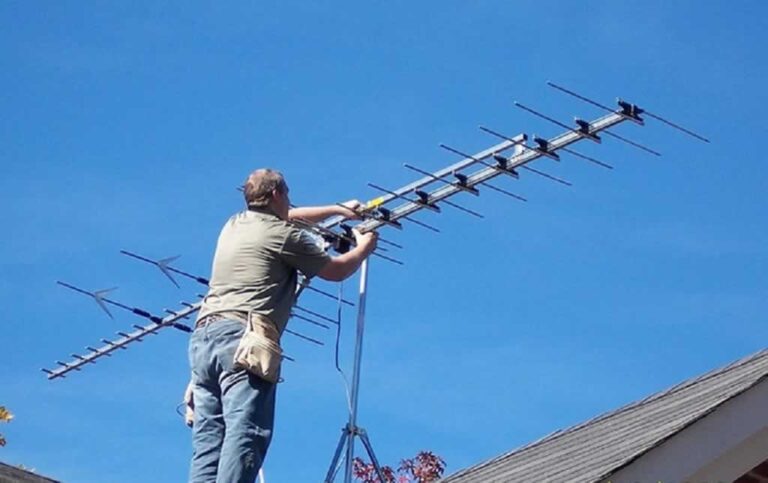
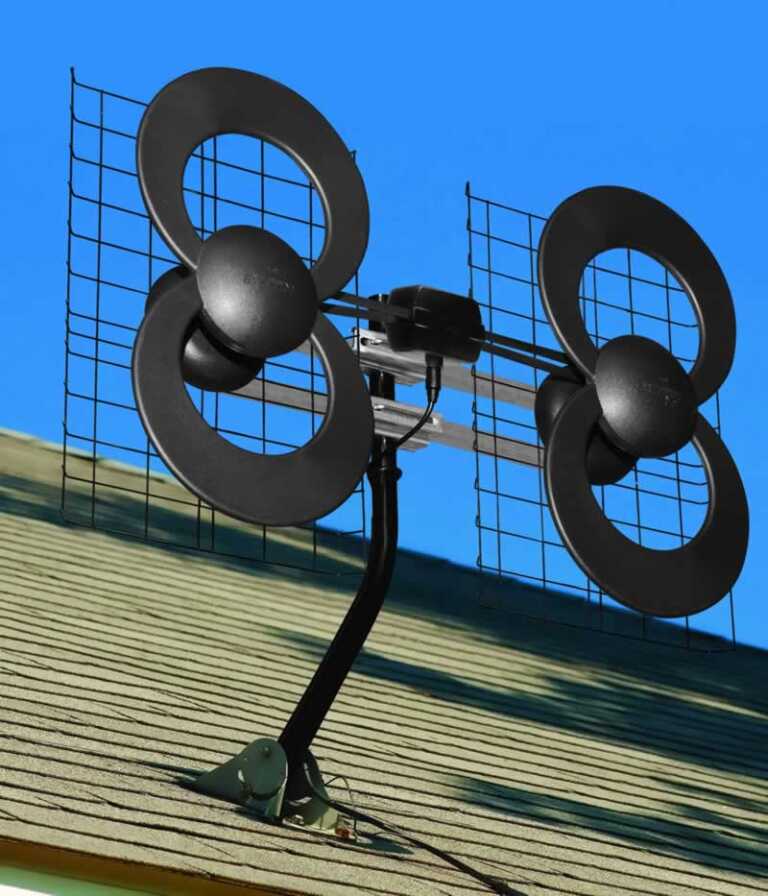
Most times, a no signal message means there’s something wrong with the reception where you set is not receiving reception either from the aerial or box. Check the aerial, if it’s easy for you to do that, as it might just have moved from a strong wind, for example, or someone carelessly nudged it. Of course don’t also forget to check everything is plugged in as it should be.
Repositioning
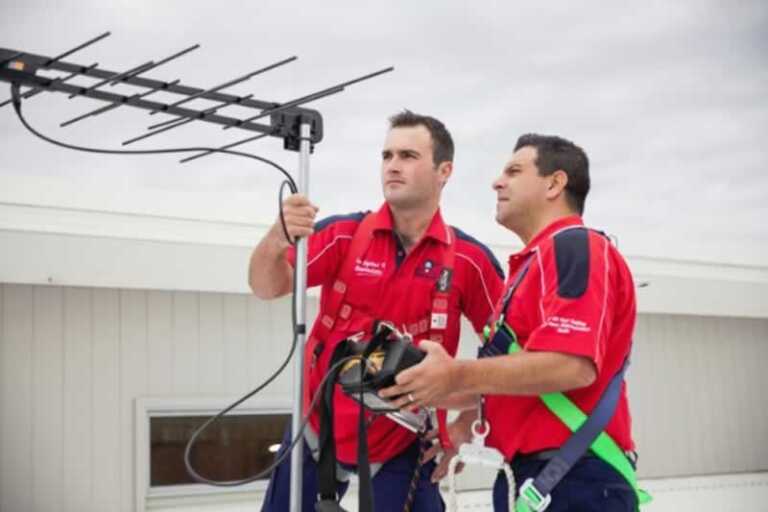
In this case, you might have to reposition the aerial. Since they are usually on rooftops, you have to be careful as lots of accidents are reported of people falling and slipping off of rooftops for the sake of a TV reception. If you’re in the Lancaster area, you would probably be better off to contact aerials Lancaster and get a professional to do the job for you. You’ll be able to find a professional in your area with a bit of research.

Check the wire
According to the TV aerial installers Belfast, wear and tear and erosion on wires are often a cause of receiving no TV signal. The smallest break or tear can cause a no signal. You might very well need a wire or cable replacement. If nothing else works, find the best cable service in your area and try to switch providers.
Resetting
For any reason, your TV setting might have gone wacky and isn’t set to the correct input. This would need a resetting of the TV that you can do through your remote.
To reset your TV set follow these steps:
- Press the input button on your remote and use the navigation arrows to get to the correct input. On some remotes ‘source’ might be used instead of ‘input’.
- If your set is HDMI2, for example, go to the input labeled HDMI2. You would need to run a channel scan. The TV needs to be on at the TV input.
- After that, try running auto program to find available channels. Scroll down to ‘systems’ and press enter. Select plug and play and you’ll be asked to make some choices such as language, time zone, etc. Select next for the auto feature and run it. That should do it.
If all else fails
Nothing is worse than settling down to watch your favorite show or a big game on, only to get a no signal notice on your screen. Sometimes you can troubleshoot on your own, other time professionals might be needed. If nothing seems to work, get a reputable company like AerialForce to fix your tv signal problem. They will get your signal up and running again, so you can relax and enjoy your shows.



It didn’t help me. I rebooted every cord to box and t v. No signal. Since I rebooted my Pace box has no lights come on. How do you get the box to working? Thanks.